
The Kingtocar app — book a private van with driver and track it live on your phone
Book a private Toyota Commuter or Toyota Alphard with a driver in a few minutes: see the per-vehicle price at once, pay a 50% deposit and get your trip link with your driver's name, the plate and your van coming to you live — and chat or call your driver. In 8 languages, on Android and on the web on any device.

iPhone and computers: open the web app at once, nothing to install
- Per-vehicle price at once
- 50% deposit books your van
- Watch your van come live
- 8 languages
What the app does
Everything from booking to your destination, in one app.
Instant prices
Pick a route and see the per-vehicle price at once, for the Commuter and the Alphard — no waiting for a quote.
The right vehicle for your group
Enter people and bags and the app picks a vehicle with enough seats; book several vehicles at once.
Pay the deposit online
Card, Apple Pay or PromptPay QR through Stripe — Kingtocar never sees your card number.
One trip link with everything
Date, time, pickup, driver, plate and pickup code in one link that opens on any device.
Watch your van come live
See the van on a live map from the moment your driver sets off.
Chat with and call your driver
Talk to your driver from the trip link, through Kingtocar.
A 4-digit pickup code
Give the code to your driver at the pickup and board the right vehicle.
Flight tracking
Add your flight number; the system tracks your landing time, so your driver knows if you are late.
In-car interpreter
Speak your language; the system translates for your driver and brings the answer back to you.
Arrival alerts
The Android app alerts you when the van is close and when your driver reaches the pickup.
8 languages
Thai, English, Chinese, Japanese, Korean, Burmese, Russian and Hindi.
Hourly and multi-day hire
Book hourly or multi-day hire in one go, call the car and add stops.
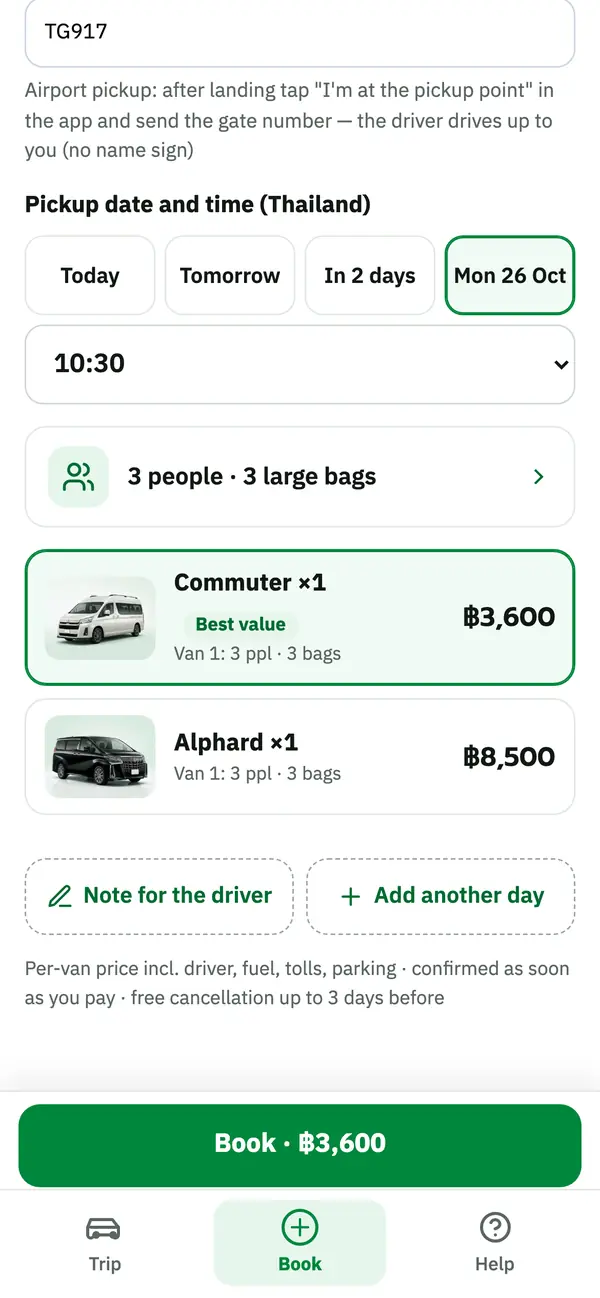
A look at the app's three main screens
- 01
Choose your vehicle and see the price
A Commuter takes up to 12 people, an Alphard up to 6; the per-vehicle price appears at once for your route.
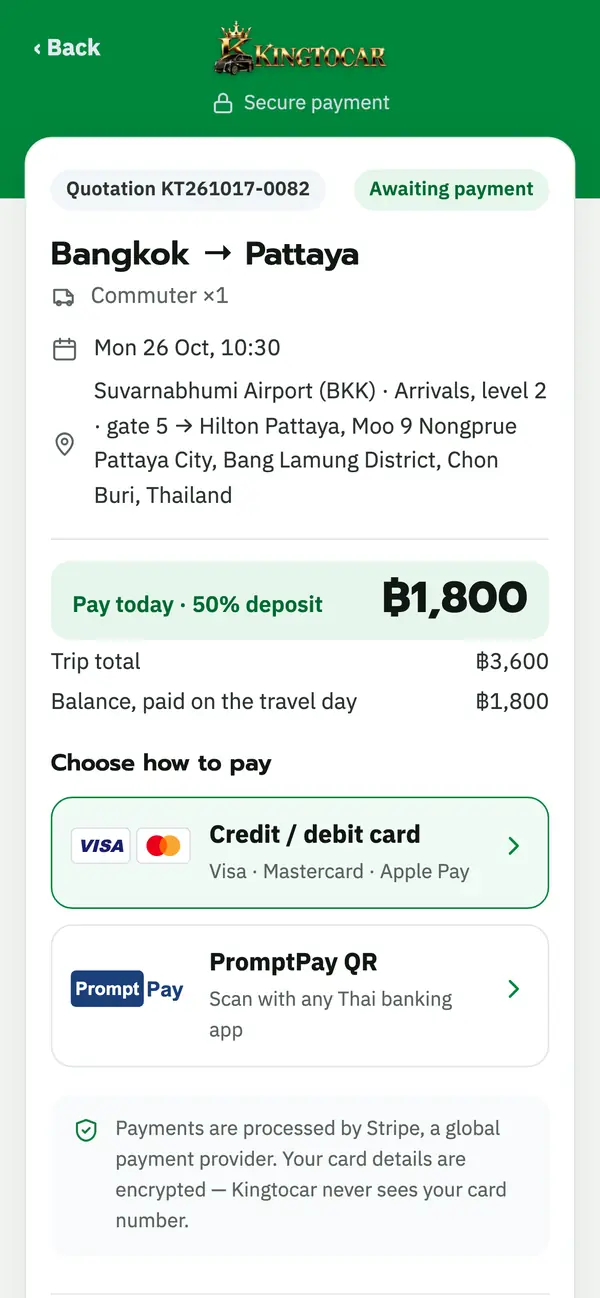
- 02
Pay the deposit in seconds
Pay a 50% deposit or the full amount; the booking is confirmed at once and you get your trip link.
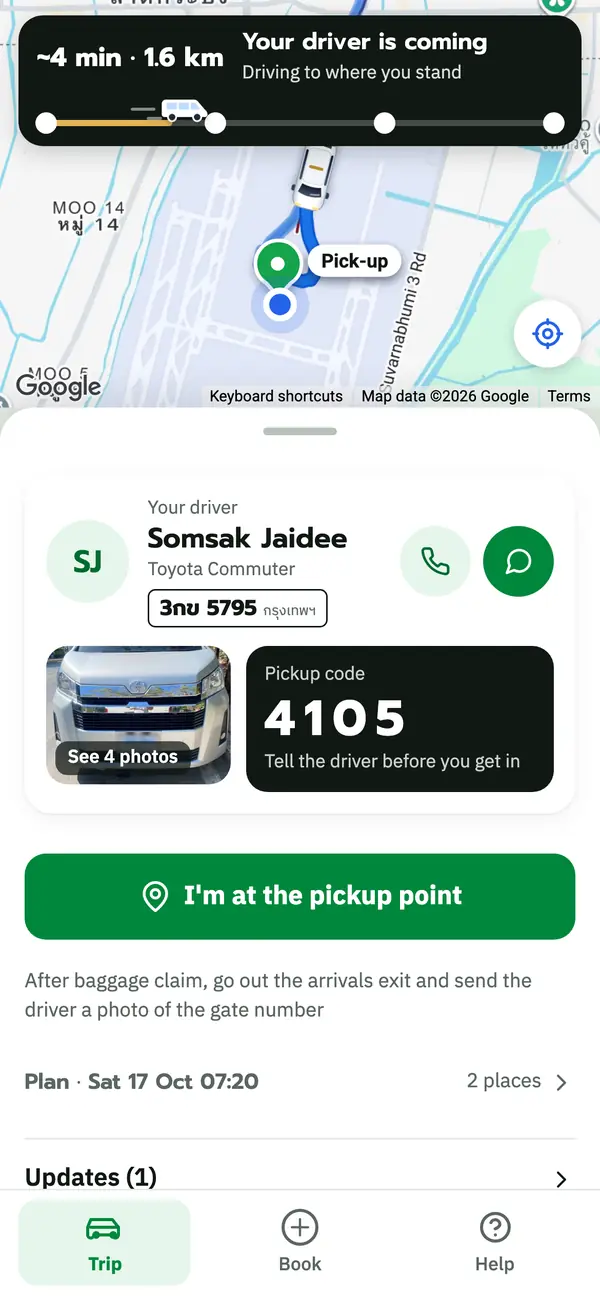
- 03
Your van is coming
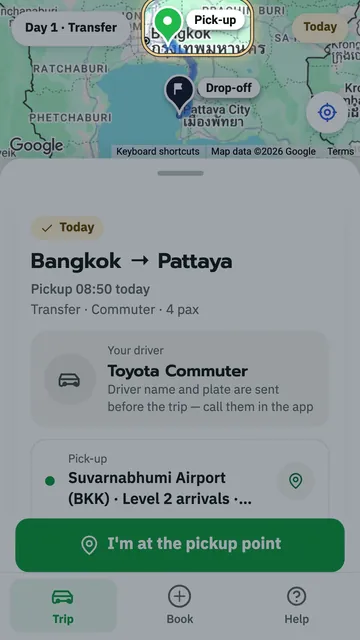
On the day you see your driver's name, the plate and the van on a live map — chat or call any time.
Short how-to videos
Learn the app and the trip link in short videos, each under 2 minutes.
 1:46Part 1Open your trip link and see your trip
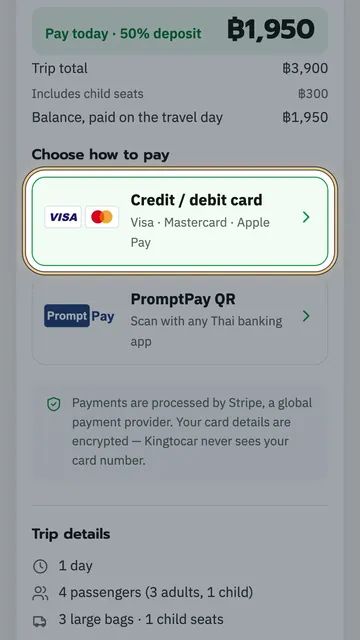 1:13Part 2Pay the deposit
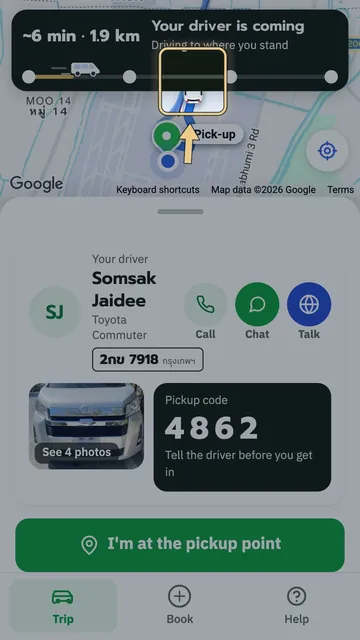 1:17Part 3See your driver, your van and the live map
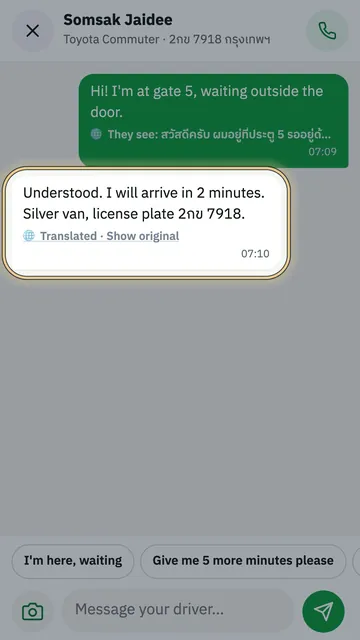 1:21Part 4Chat with and call your driver
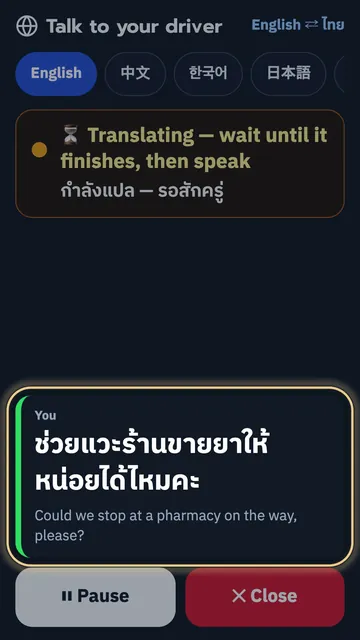 0:48Part 5The in-car interpreter
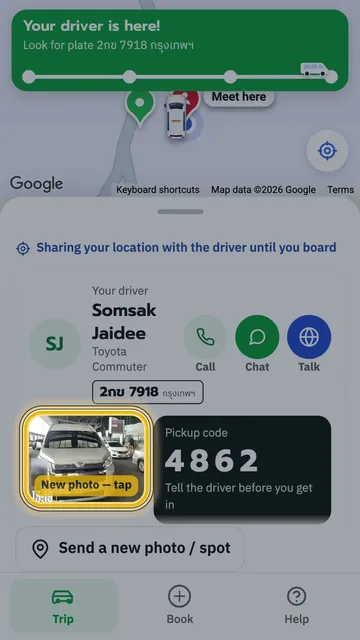 1:18Part 6Travel day: meet your driver at the pickup point
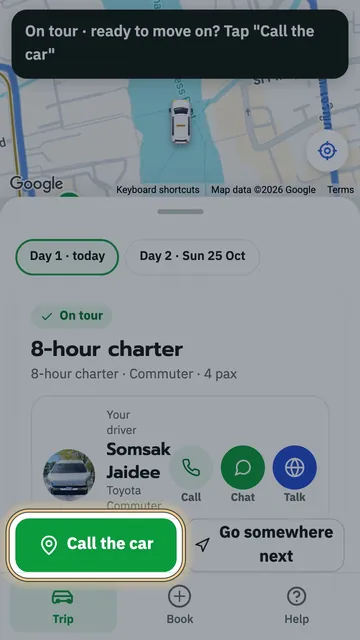 1:22Part 7Hourly and multi-day trips
Get started in 4 steps
- 01
Install or open the app
Android: install from Google Play · iPhone and computers: open the web app.
- 02
Choose your route and vehicle
Enter date, time, pickup, drop-off, people and bags, and see the price at once.
- 03
Pay a 50% deposit
Confirmed at once; your trip link comes by chat and email.
- 04
On the day
Watch your van come live, give your 4-digit code to the driver and go.
The Kingtocar app on any device
Android: install from Google Play and get alerts when your van is close · iPhone and computers: open the web app at once, with every feature.
iPhone and computers: open the web app at once, nothing to install
Questions about the app
What is the Kingtocar app for?
Where can I download the app?
Does the app cost anything?
Does it work on iPhone?
Do I need the app to open my trip link?
Is paying in the app safe?
Which languages does the app have?
Who do I contact if something comes up on the way?
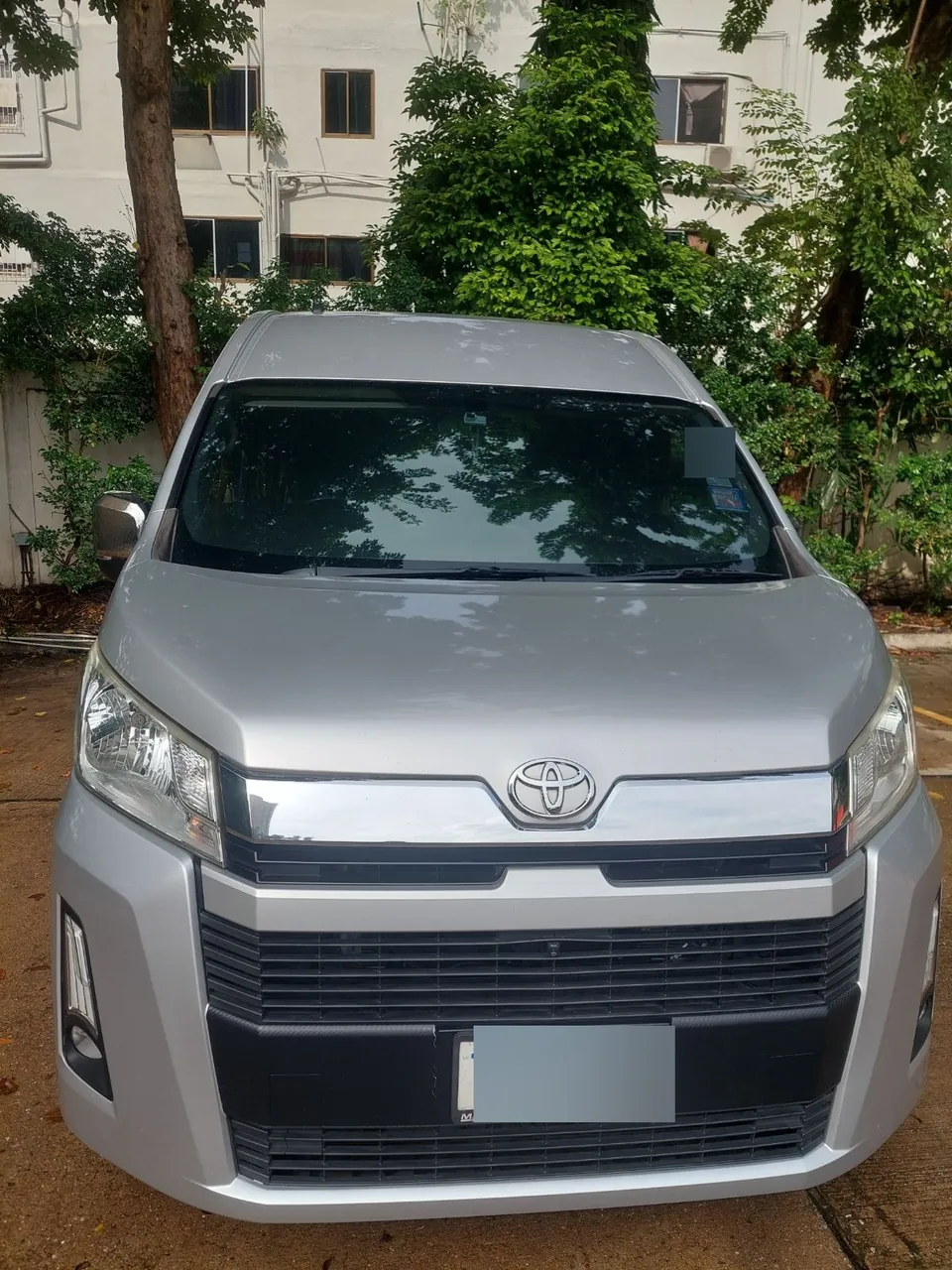
Book your first ride in the app
See the price at once, pay a 50% deposit and get your trip link — Commuter from ฿1,500, Alphard from ฿3,500.


 Pay online · confirmed instantly