
Part 5 of 7
Part 5: The in-car interpreter
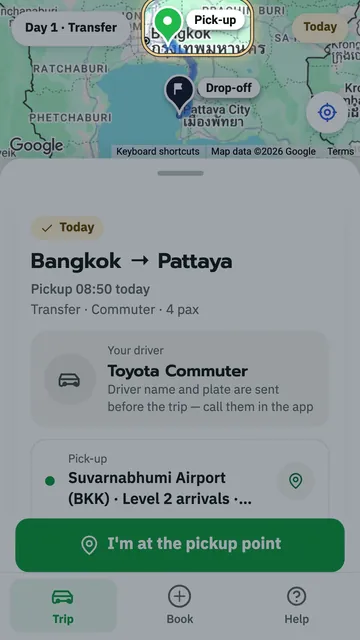
On the way, tap Talk to your driver: you speak your language, the phone says it in Thai for your driver, and you hear the driver's answer in your language. No typing.
Key moments
- On the way, the blue button, Talk to your driver, turns on the interpreter.
- At the top, your language is already selected.
- This box explains it: just speak normally, one person at a time.
- You speak, and the phone says it in Thai for your driver.
- The driver answers in Thai, and you hear it in English.
- The Pause button stops listening for a while.
- Tap Close when you're done.
- No typing needed. Just talk.
 1:46
1:46 1:13
1:13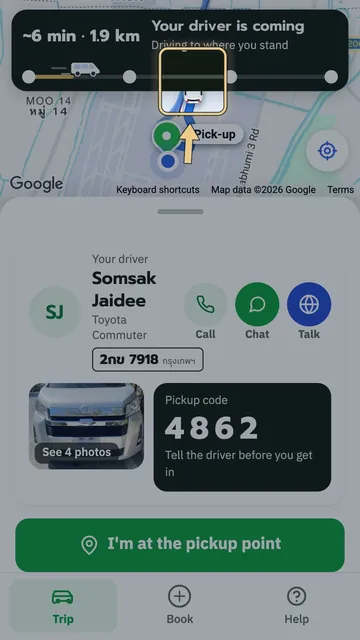 1:17
1:17 1:21
1:21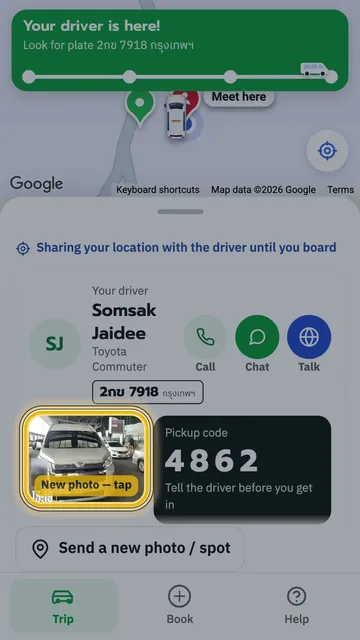 1:18
1:18 1:22
1:22